How to migrate dental clinic data without losing patients
Changing software is not copying a database. It is a project with owners, tests and a fallback plan.
By Dentistes team
Most clinics that change software are not afraid of learning a new screen. They are afraid of losing a record, duplicating a patient or discovering during the schedule that an appointment was not migrated.
That fear is reasonable. A migration is not solved with an export and an import. It is solved with a plan that defines what moves, who validates it and when the old system is switched off.
What actually needs to migrate
- Patients: identification, contact details, consent and medical alerts.
- Records: progress notes, diagnoses, treatments and attached documents.
- Appointments: past and future, with room, professional and status.
- Quotes and invoices: amounts, payments and collection status.
- Treatment catalogue: names, codes and prices.
- Users and roles: who can see what from day one.
Not everything has the same value. An incomplete clinical record is a care problem. A list of old invoices in a different format is an accounting problem. Prioritise the first and validate the second by sampling.
The five-phase plan
- Extract: ask the current provider for a full CSV or SQL export, not screenshots.
- Clean: remove duplicates, normalise phone numbers and emails and separate inactive patients from those still in treatment.
- Map: decide which field from the old system goes to which field in the new one and what stays behind.
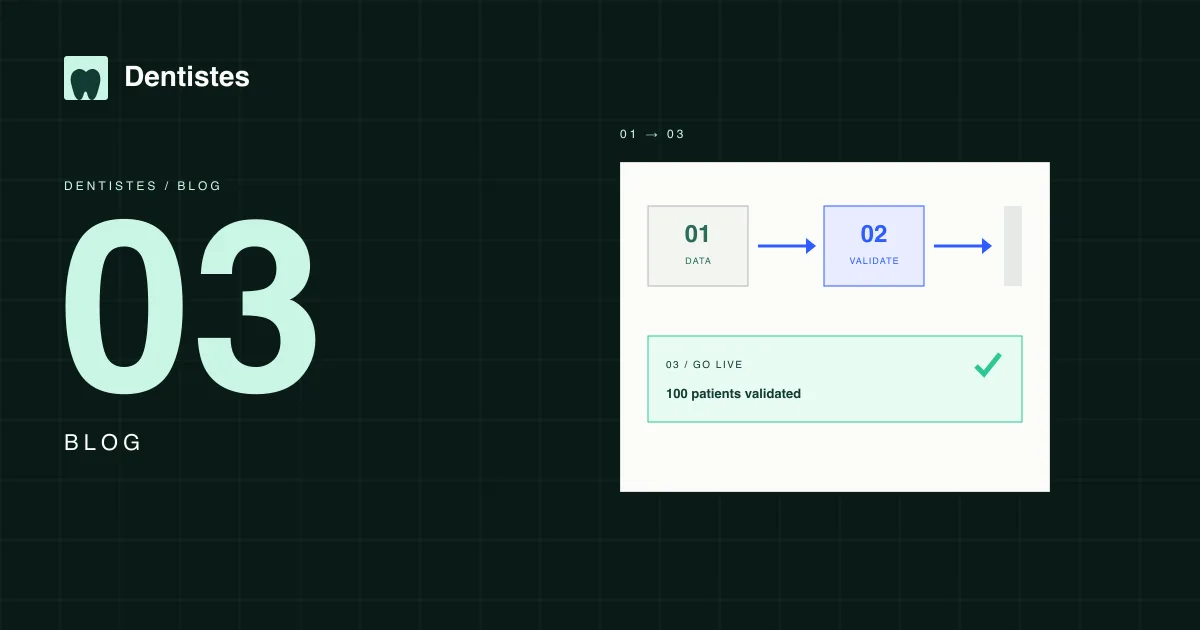
- Test: migrate a sample of 100 patients and review records, appointments and invoices with reception and a dentist.
- Switch: set a date, freeze writes in the old system and keep a fallback plan if something fails.
How to communicate it to the team
The team does not need a 20-hour course. It needs to know what changes in their day and who to ask. Run a short session per role: reception, dentists and hygienists. Use real appointments from the week, not a sample patient.
During the first week, leave one reference person per shift. If everyone asks the same person, that person cannot look after patients. And tell patients in advance if the phone number or confirmation system changes.
The most common mistakes
- Migrating without a sample test and discovering the problems on the first Monday.
- Not defining who validates incomplete records.
- Keeping both systems open for months and duplicating appointments.
- Losing attached documents because the provider only exports text.
- Not telling patients about the change and creating unnecessary calls.
- Not measuring the result: lost appointments, duplicates, reception time.
Switch-day checklist
- Full export saved and verified.
- Sample of 100 patients reviewed by reception and a dentist.
- Next week's appointments checked one by one.
- Users and roles created before opening the clinic.
- Fallback plan defined: what to do if the new system does not respond.
- Direct support channel during the first 48 hours.
A good migration goes unnoticed. The clinic opens on Monday, the schedule works and nobody has to tell a horror story. That is the goal.
We support you through the migration
The 30-day trial includes support to move patients, records and appointments. No setup fee.
Talk to the teamUpdated: 12 November 2026
Back to blog